


Edit Metric List
This screen allows you to modify the metric you have created. If you want to change or adjust any parameters or information to achieve different results, you can update the metric details here. Please note that any changes made impact all metrics derived from it. The creator of the metric can edit or delete the metric.
Metrics can be modified using either of the following ways:
-
Edit the metric from the Metrics List screen
-
Navigate to Genix Digital App Center >Platform Applications > Genix Metrics Hub.
-
Select the metric.
-
Click View more.
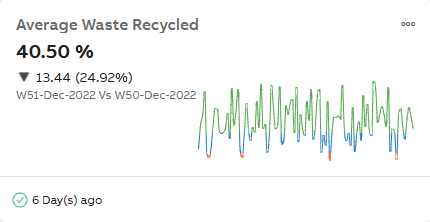
View More
-
Click Edit.
-
Perform the steps as mentioned in Create Metric List. For more information, see Create Metric .
-
Click Mark as complete.
-
Edit the metric from the Metric Catalog screen
-
Navigate to Metric Catalog.
-
Select the category.
-
Enable the checkbox for the desired metric from the Metrics list.
-
Click Edit.
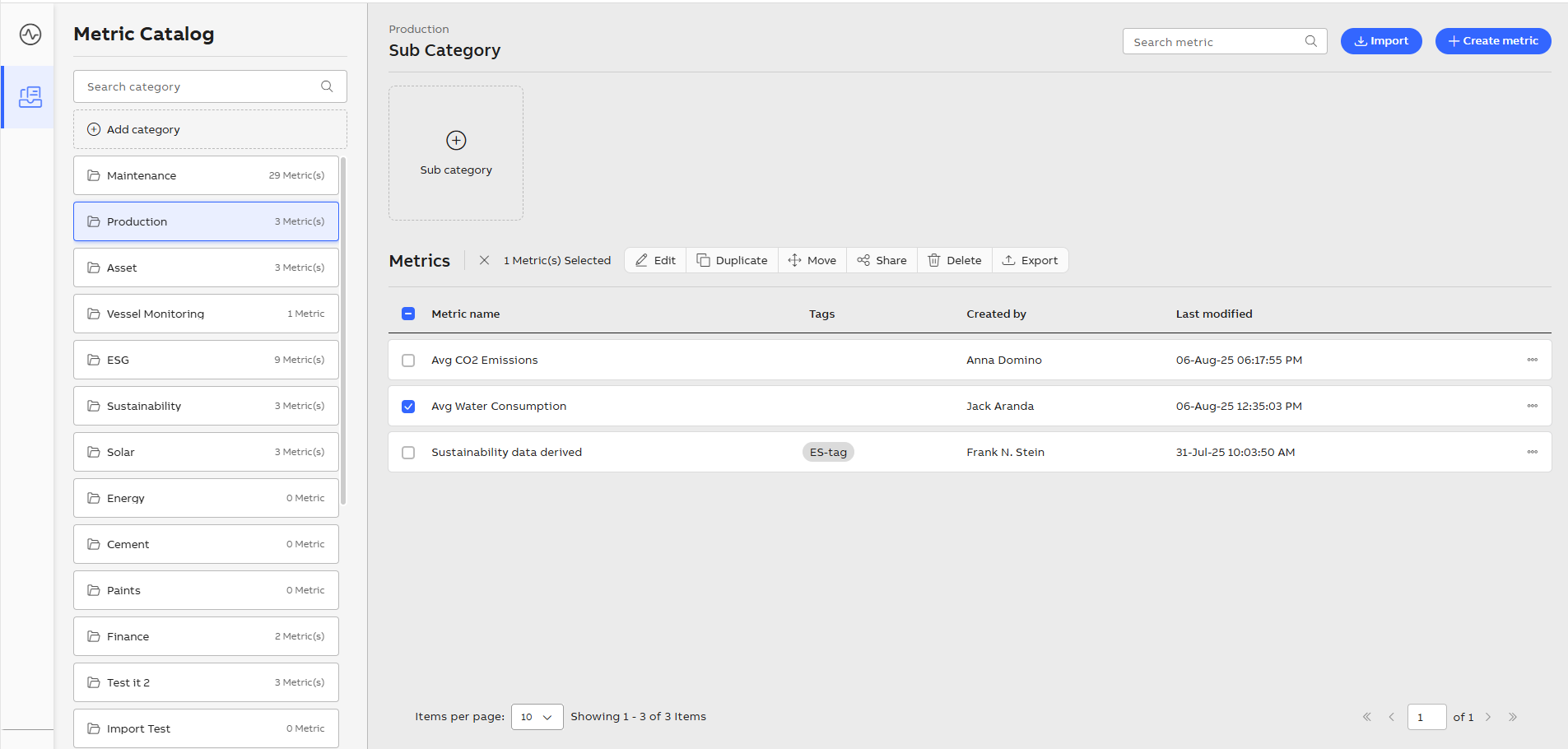
Metric Catalog
-
Perform the steps as mentioned in Create Metric List. For more information, see Create Metric .
-
Click Mark as complete.