


Duplicate Metric
Duplicate metrics allows the user to create a new metric by duplicating an already existing metric. 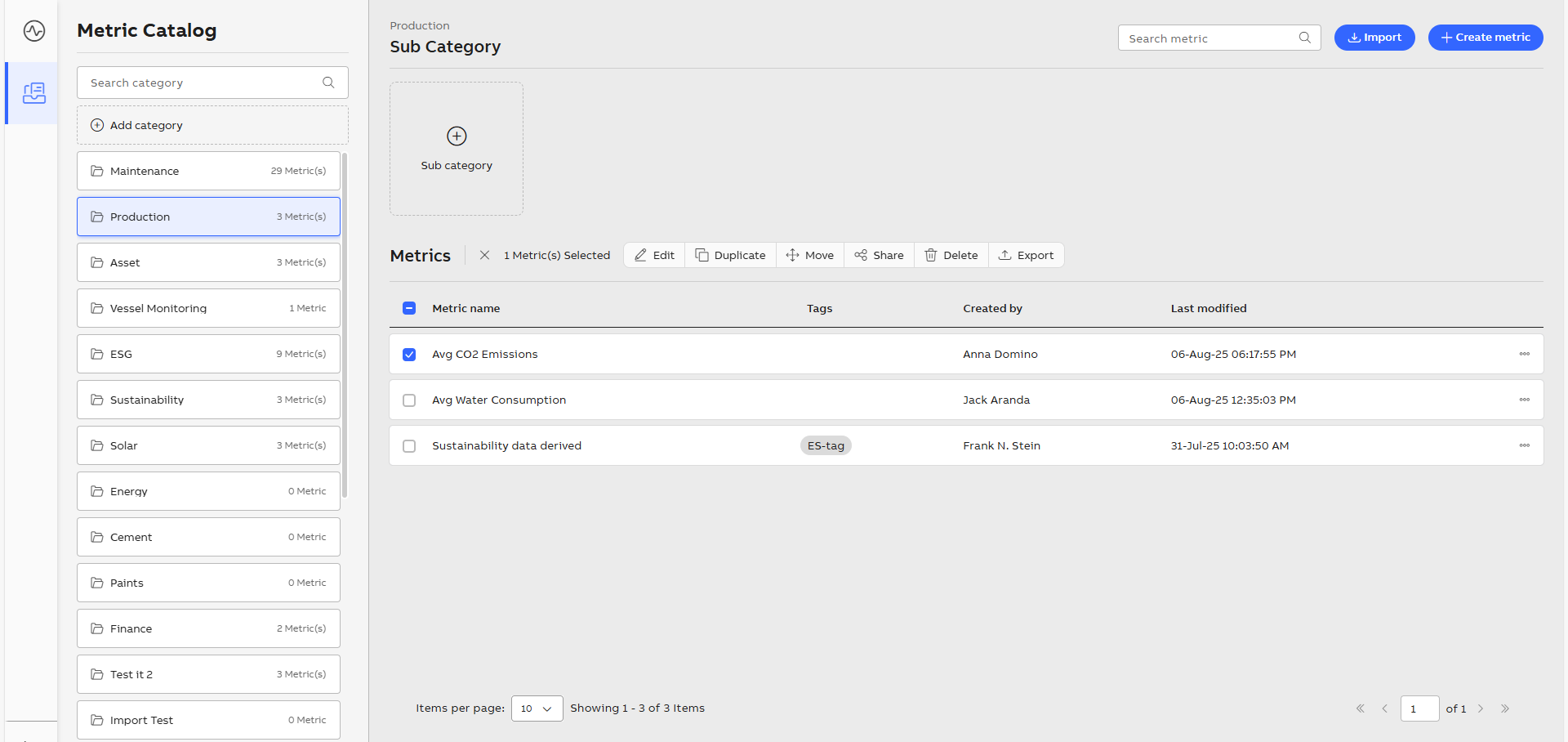
Duplicate Metric
Perform the following steps to duplicate a metric:
-
Select the category.
-
Enable the checkbox for the desired metric from the Metrics list.
-
Click Duplicate.

Selected Metric
-
In the Duplicate as dialog box, Enter Metric name.
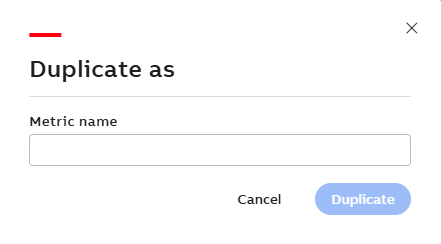
Duplicate As
The metric name should be different from the existing metric name.
-
Click Duplicate. The duplicate metric is added in the Metric Catalog screen.