


Exports
The Exports section within Template Properties allows you to configure export options for both dashboards and individual widgets. This configuration defines which export formats are available to you in the Explore > Dashboard section.
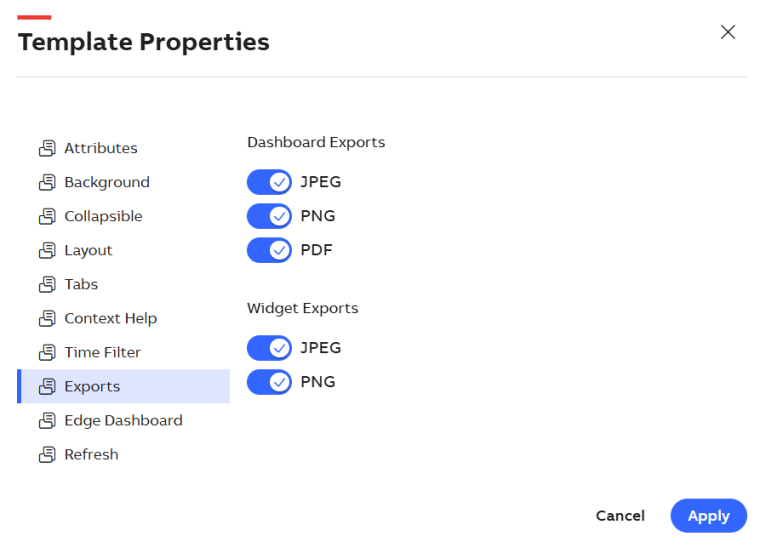
Export Option
Once you click on Exports, two separate configuration areas appear:
-
Dashboard Exports
This section controls the export formats available for entire dashboards. You see toggle switches for the following formats:
-
JPEG
-
PNG
-
PDF
Enable or disable each format by toggling the corresponding switch. When enabled, the format becomes available for exporting complete dashboards.
-
-
Widget Exports
This section controls export formats available for individual widgets on a dashboard. You can toggle the following options:
-
JPEG
-
PNG
Similar to dashboard exports, enable or disable each format based on your preference.
-
After selecting the desired export formats, click Apply > Save to save your changes. These settings define which options appear in the export menu on the Explore > Dashboard screen.
Once configured, you can open any dashboard in the Explore section and click the Export icon. The export formats you enabled (e.g., JPEG, PNG, or PDF) appear in the export option. Select your preferred format to generate and download the dashboard or widget in that format.