


Export Dashboard
The Explore section allows you to export the dashboard meta data from one environment to another. You can export multiple dashboards at a time.
Perform the following procedure to export dashboard meta data :
-
To export a dashboard, on the Explore section, select All Dashboard.
-
Select the dashboard(s) by clicking the checkbox(es) next to them.
-
Click Export icon.
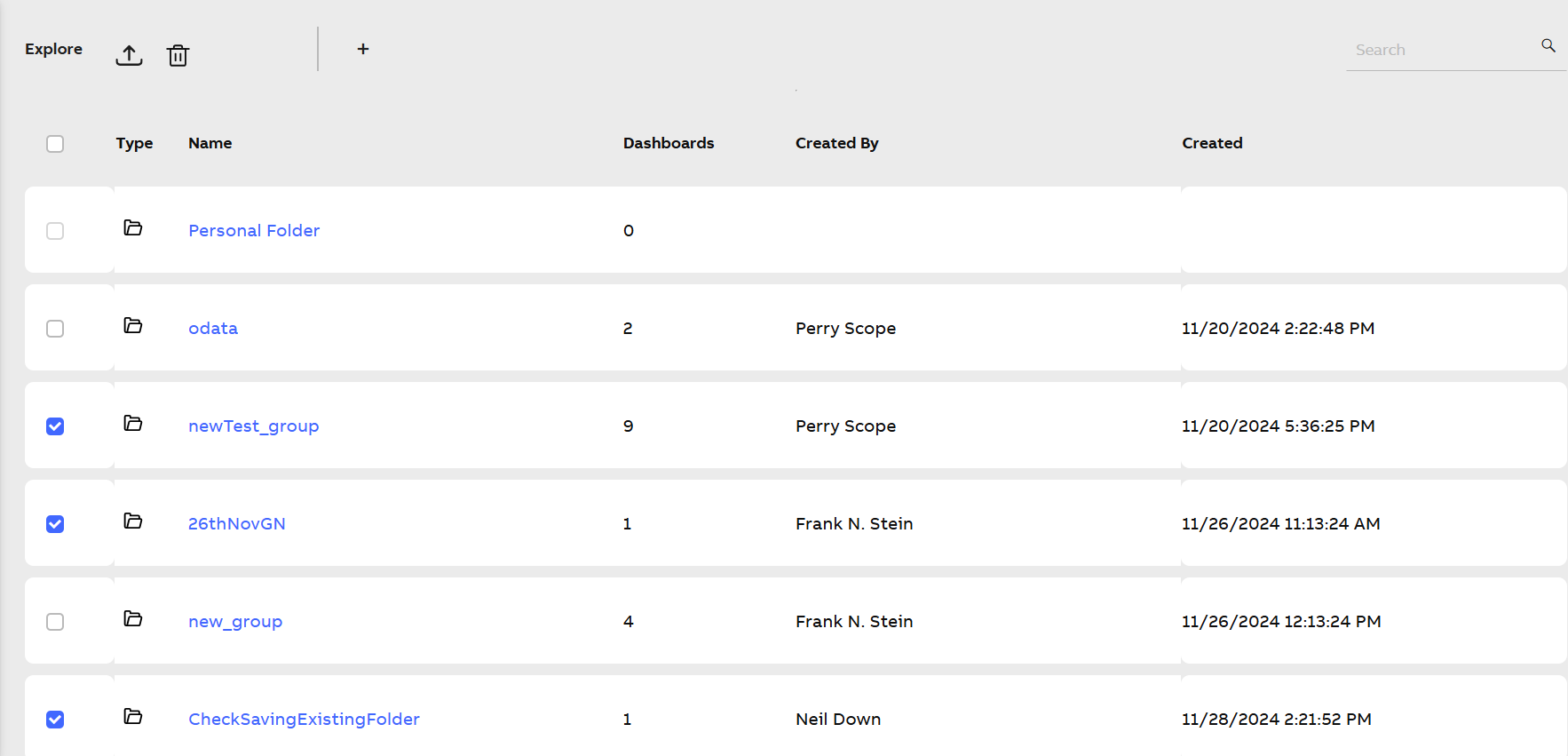
Export Dashboard
The dashboard metadata, along with the data source, based on the selection of either KSH services or Metric Hub, are exported to your local device.
-
To find the exported dashboards, navigate to the following path
C:\Users\<USERID>\Downloads. -
In the Downloads folder, click the exports.zip file to open it.